Filmmaking Craft / Business & Media
Lavalier microphones and wireless kits for documentary interviews
How to choose and hide a lavalier microphone, when wireless beats wired, and how backup recording, headphones and batteries keep a documentary interview safe. Some links here are affiliate links.
In this piece (10 parts)
- What a lavalier microphone is, and why documentary relies on it
- Wired or wireless
- Choosing a wireless microphone kit
- Backup recording and 32-bit float on the transmitter
- Placing and hiding a lav mic
- Monitoring with headphones
- Radio interference in crowded places
- Battery planning
- When the person wearing the mic needs protecting
- Questions
The worst sound I ever recorded came from a good lavalier microphone clipped to a bad sweater. It was hand-knit wool, lovely on camera, and every time the woman wearing it lifted her arm to point at an old photograph the capsule scraped across the stitches. I had headphones on. I heard it. I told myself the boom would cover us, and the boom had been knocked off its mark by an opening door twenty minutes earlier. Most of what I know about lavs I learned on afternoons like that one.
This guide covers what a lav does well, when to go wireless, how to hide the mic, and how to keep a wireless kit working in a crowded room. It is written for crews of one to three people. If you are setting up a sit-down interview from scratch, start with the room and the chair in shooting documentary interviews, then come back here for the microphone.
What a lavalier microphone is, and why documentary relies on it
A lavalier is a small microphone worn on the body, clipped to a collar or a shirt placket or taped underneath clothing. The name comes from a style of pendant necklace, because early versions hung around the neck on a cord. You will also hear lav, lapel mic and clip mic. Most lav capsules are omnidirectional. That sounds like a weakness, and it is actually the point: the mic hears the voice the same way whether the speaker turns toward you or toward the window.
The great virtue of a lav is distance. It sits a hand's width from the mouth and stays there. The level barely moves when someone leans back, and the room's echo stays low next to the voice. For an interviewer working alone, that steadiness is gold.
The cost is tone. A lav on the chest hears the voice from under the chin, so it can sound a little closed and chesty beside a microphone held overhead. It also hears everything the wearer's clothes do. Fabric rustle is the classic lav problem, and nearly all the technique below exists to prevent it.
Wired or wireless
A wired lav is the most dependable microphone you can own. There is no radio link to drop and no transmitter battery to die. Run the cable down inside the shirt, out at the waist and along the floor to a recorder or camera, and it will keep working until someone trips over it. That last part is the catch: a wired lav ties the subject to the camera, which is fine in a chair and hopeless in a kitchen, a workshop or a moving truck.
Wireless lets people move. A transmitter clipped to a belt or tucked into a pocket sends the signal to a receiver on the camera, and the subject can cook, walk the fence line, or show you the shed. Most compact digital kits now ship with two transmitters and one receiver, so you can mic the subject and the interviewer, or two people in conversation, on separate tracks.
Phones change the sums again. A wired lav made for phones records straight into the phone, a sensible backup for a second speaker or a whole sound kit for someone shooting on one.
My own rule is short. If the subject will stay seated and you have time to cable properly, wired is calmer. If they will move, or you need two people on separate tracks without a mixer, go wireless and plan for the failures described further down.
I chose the kits in these crew bags from published specifications, the makers' documentation and long reputations among working crews; they were not bench-tested by us.
| Situation | Setup I would choose | Watch for |
|---|---|---|
| Seated interview, quiet room | Lav on wireless or wired, plus a boom if someone can hold it | Clothing rustle, a live mic during breaks |
| Walk-and-talk outdoors | Wireless lav with a fur cover, backup recording on | Wind, the body blocking the signal |
| Shooting on a phone | Wired phone lav, or a wireless kit with a phone output | Notifications and ringing on the phone itself |
| Two people talking | Two transmitters on separate channels | Each mic faintly hearing the other person |
| Market, festival hall, rally | Short distance, receiver up high, backup on | Dropouts and clicks |
Choosing a wireless microphone kit
Read the manual before you buy. The questions that matter on a documentary shoot are dull ones. Does the receiver record the two transmitters on separate channels, or only mixed together? Does it have an output for your camera and one for a phone? Can the transmitter take an external lav, so the transmitter itself can hide in a pocket? Does the mute button sit somewhere a subject will press by accident? And can each transmitter record its own copy of the audio?
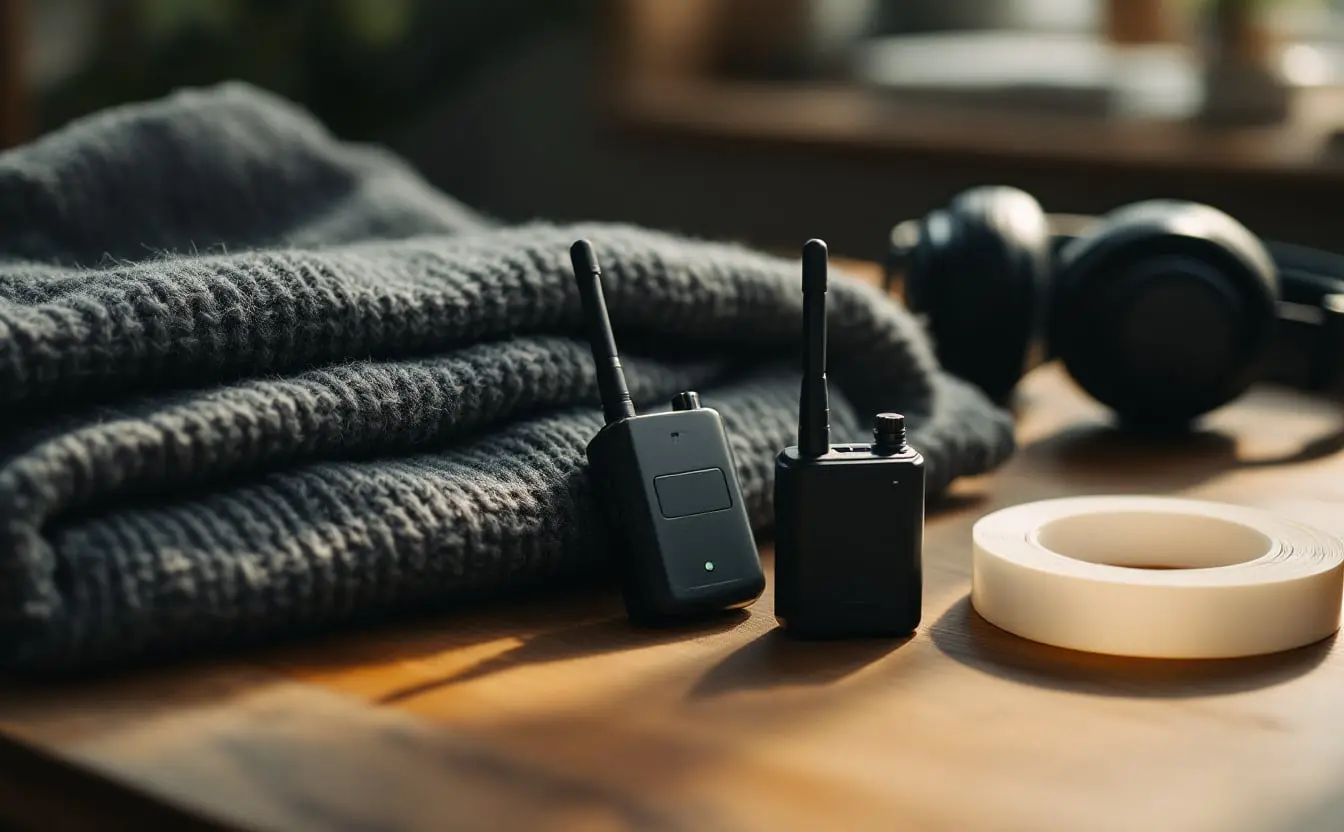
The two-transmitter kits in the bag below cover different jobs. The DJI Mic Mini is the small, light option: two clip-on transmitters, one receiver and a charging case, sized for a sit-down or a walk-and-talk where you want the hardware to disappear. The DJI Mic 2 adds the feature I care about most, a backup track recorded on each transmitter. The Hollyland Lark M2 in the first bag is a compact two-person set with outputs for cameras and phones, which suits crews that switch between the two.
A wireless microphone with its capsule built into the transmitter is quick to rig, and it is also a small box on someone's chest in every shot. For anything longer than a quick exchange I prefer a separate lav capsule, with the transmitter out of sight.
Backup recording and 32-bit float on the transmitter
Backup recording is the single best thing to happen to small-crew sound in years. While the transmitter sends its signal to the camera, it also writes its own file to internal memory. If the radio link drops in the middle of the best answer of the day, the clean version is still sitting on the subject's belt. Turn it on, check it at the start of each day, and offload the files with the camera cards. In the edit, most software will line them up against the camera's scratch track by waveform.
Some transmitters also write those backups as 32-bit float files. An ordinary 24-bit recording has a fixed ceiling, and anything louder clips, with the distortion baked in for good. A 32-bit float file keeps such a wide range that a laugh or a shout which would have clipped can simply be turned down later. Check the maker's documentation for your model rather than assuming. And remember what float does not fix: a capsule rubbing on wool, wind across the grille, a fridge in the next room. Those are placement problems, and they need to be solved at placement.
Audio files are small next to video. Your camera cards are the bigger worry on a long day, and the video file size calculator will tell you how many a two-hour sit-down needs.
Placing and hiding a lav mic
Start with position. The centre of the chest, about a hand's width below the chin, gives a clear voice that does not change much when the head turns. If the subject will look off-axis toward an interviewer, favour that side slightly. A visible lav on a collar is perfectly acceptable in documentary. Hidden lavs matter more in observational scenes, where a wire on the lapel reminds viewers that someone set the moment up.
To hide one under clothing, tape the capsule to the inside of the shirt so that fabric cannot slide across the grille. Medical tape or a stick-on mount works; so does a small sandwich of tape on both sides of the cable. Fit a fur cover if you have one. Tape a small loop in the cable just below the capsule, so a tug on the wire pulls the loop instead of the mic. Then run the cable to a transmitter at the back of the belt or in a pocket.
Fabric decides a lot. Cotton is quiet. Silk, starched shirts and slippery synthetics are loud, and wool crackles in dry winter air. Necklaces, lanyards and pens in a breast pocket will tap the capsule, so ask about them before you start.
Ask before you reach toward anyone's clothing, every single time. Explain where the mic needs to go, then offer to let the person place it while you guide them. Then have them lift their arms, turn in the chair and sit back while you listen. Five seconds of rustle now saves an hour of repair later.
Monitoring with headphones
Wear closed-back headphones for the entire interview, plugged into the camera rather than the receiver. The receiver's own headphone socket tells you what it hears. The camera tells you what is actually being recorded, including a loose cable, a level set wrong, or hiss from a camera preamp turned up too high. Many recordists set the camera's input low and the receiver's output higher for exactly that reason.
Earbuds let the room in, so you cannot tell a sound in the recording from a sound in the house. The Sony MDR-7506 has been a location-sound standard for decades because it does one job: it shuts the room out and lets you hear rustle, clicks and hum before they become the editor's problem.
Radio interference in crowded places
Most compact digital kits work in the 2.4 GHz band, the same busy stretch of spectrum used by Wi-Fi and Bluetooth. In a quiet house that hardly matters. In a festival hall, a market or a protest with a few thousand phones, the link can drop out in short clicks or gaps.
The human body also absorbs signals at those frequencies. A transmitter clipped to the back of a belt, with the subject facing the camera, has a person between it and the receiver. Move the transmitter to the side or front, raise the receiver above the crowd on the camera's top handle, and keep the distance short. Range figures in specifications are measured in open air, so treat them as a best case. If you know the room will be packed, turn on backup recording before you walk in.
Broadcast crews often use UHF systems instead, which need frequency planning, and the rules on which frequencies you may use vary by country.
Battery planning
Charge every transmitter, receiver and case the night before, and charge the case again at lunch from a wall outlet or a USB-C power bank. Makers publish running times; treat them as the figure for a warm room and fresh batteries. Cold drains lithium cells faster, which anyone who has shot a February exterior in Canada will know, so keep spares and the charging case in an inside pocket.
Check battery levels between questions, never during an answer. I do not start an hour-long interview on a transmitter that is not close to full, even if the subject has to finish their tea first.
When the person wearing the mic needs protecting
A wireless lav keeps listening during breaks. People forget they are wearing it, and it will happily record a phone call, a trip down the hall or a frank remark about a neighbour. Tell people when the mic is live, mute it or take it off during breaks, and never use what it caught when someone believed they were off the record.
For subjects who have reasons to stay hidden, those stray recordings can identify them or the people around them. Backup files on the transmitter hold the whole day, breaks included, so store them as carefully as the picture. The essay on Shelley Saywell and filming women who flee violence is a good companion to that kind of shoot.
Questions
What is a lavalier microphone used for?
A small clip-on microphone worn on the body. In documentary it records interviews and conversations at a steady distance from the mouth, so the voice stays clear when the speaker moves.
Is a wired or wireless lav better for documentary interviews?
Wired is more dependable for a seated interview, with no radio link or transmitter battery to fail. Wireless is better when the subject moves or two speakers need separate tracks.
Where should a lav mic go on a shirt?
Centre of the chest, about a hand's width below the chin, slightly toward the side the person will face. Under clothing, tape it so fabric cannot slide across the capsule and add a small cable loop below it.
Do wireless microphones work in crowded places?
Usually, but compact digital kits share the 2.4 GHz band with Wi-Fi and Bluetooth, and bodies absorb the signal. Keep the distance short, raise the receiver, give the transmitter a clear path and turn on backup recording.
Can I record a lavalier microphone straight into a phone?
Yes. A wired lav made for phones records directly into a phone app; phones without a headphone socket need the maker's adapter. Switch the phone to do not disturb before you roll.