Field recorders for documentary: handheld or bag recorder?
How to choose a field recorder for documentary sound: handheld or bag recorder, how many XLR inputs, 32-bit float, timecode and sync, headphones and power. Some links here are affiliate links.
In this piece (9 parts)
The day I started taking field recorders seriously, the camera stopped. A card filled halfway through a long answer in a community hall in East Vancouver, and while I fumbled the swap, the woman I was interviewing kept talking. The picture had a hole in it. The sound did not, because it was going into a small field recorder on the table beside her, and that answer ended up in the cut as audio under B-roll.
This guide is for crews of one to three who want sound off the camera. It covers why to record separately, how many inputs you need, what 32-bit float changes, how the files get back in sync with the picture, and the plain business of headphones, batteries and cards. Underneath it all sits one buying question: a handheld recorder, or a bag recorder?
Why a field recorder, when the camera has a mic input
Cameras treat sound as a side job. Most mirrorless bodies offer one 3.5 mm stereo socket feeding a preamp built for convenience, and turning it up adds hiss quickly. XLR adapters help, but the microphone cables still run to the camera, which ties the sound to wherever the operator happens to stand.
A separate recorder fixes three things at once. It gives you proper inputs: XLR sockets that lock, carrying a balanced signal that resists hum over longer cables, usually with phantom power for microphones that need it. It gives you separate tracks, one per microphone, so the editor can use the boom for one line and the lav for the next. And it frees the sound from the camera. The recorder can sit near the subject while the camera roams, or ride on a recordist's hip.
Then there is the safety of two copies. Feed the camera a scratch track as well, and every take exists twice. When a card fills or a battery dies mid-answer, the other device usually has it.
Handheld or bag recorder: choosing a portable audio recorder
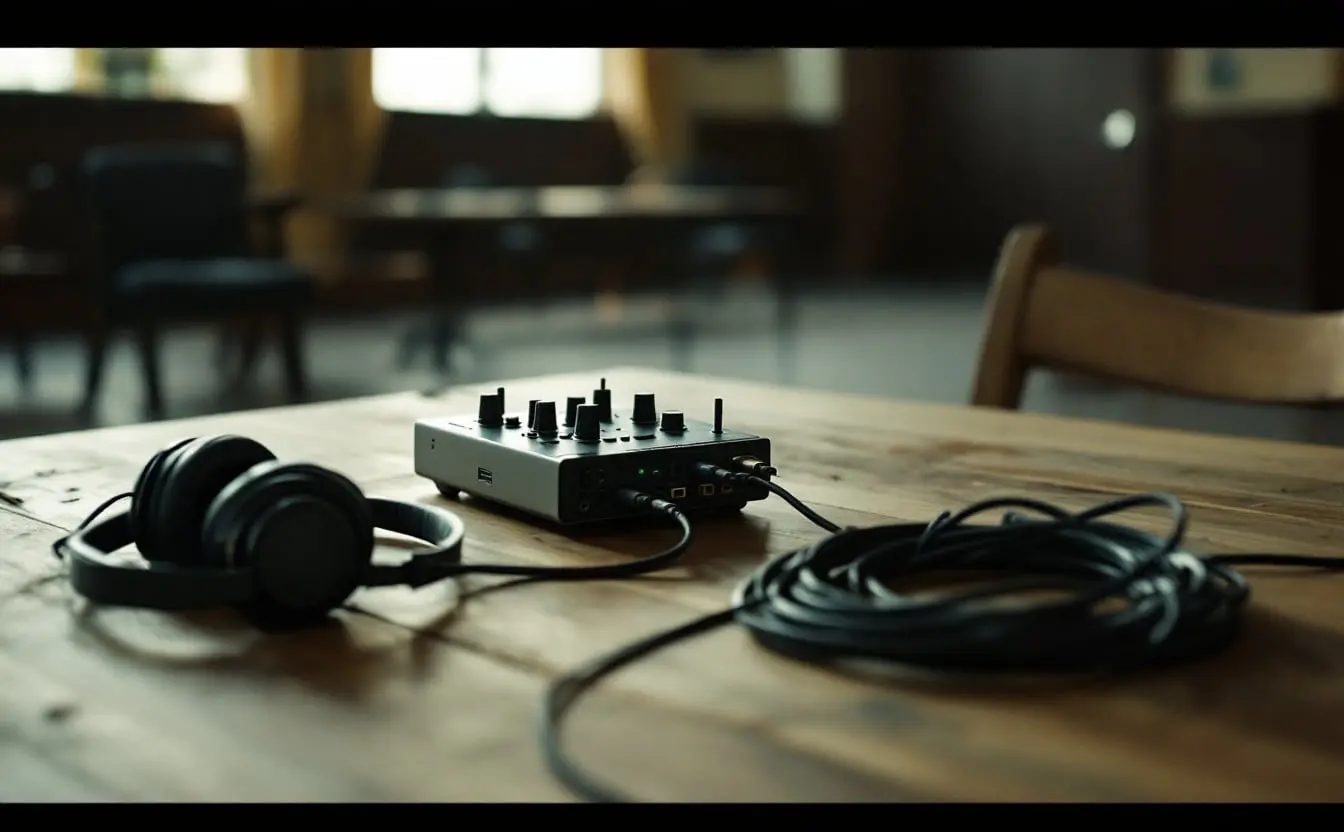
Handheld recorders are the small slabs with microphones on top. They are the easy way in: one box records ambience on its own mics and an interview through its XLR inputs, fits in a coat pocket and sits happily on a table or a small stand. Their weakness is that they are designed to be looked at. Small buttons and menus are fine at a desk and awkward when the recorder is in a bag and you are walking backwards with a boom.
The Zoom H4essential is a handheld with stereo mics, two XLR/TRS inputs, four tracks and 32-bit float, and it doubles as a USB audio interface for voiceover at a desk. The Zoom H6essential keeps the handheld shape and moves up to four XLR/TRS inputs and six tracks, which is room for a boom plus wireless lavs. For a one-person crew doing sit-down interviews, the H6essential is the one I would reach for, because it stops you having to choose which microphone gets left out.
A note on how these were chosen: from the makers' specifications and documentation, and from the long run Zoom's recorders have had on small shoots. I have not tested these units for this piece, so read the manual of whichever you buy before the first day out.
Bag recorders and compact field recorders
Bag recorders are built the other way round. Inputs and knobs are laid out to work by feel, the recorder hangs in a padded bag across your chest, and there are more inputs and more tracks. They suit a dedicated recordist, or anyone mixing a boom and several wireless lavs on a moving shoot.
The Zoom F6 is a compact bag recorder with six XLR inputs, fourteen tracks, 32-bit float with dual A/D converters, and timecode in and out. It is the most capable recorder in this guide, and timecode is part of its specification. The Zoom F3 sits at the other end of the scale: two locking XLR/TRS inputs, 32-bit float and battery power. For a boom and one lav, that is the whole job.
| Recorder | Shape | Inputs | Worth knowing |
|---|---|---|---|
| Zoom H4essential | Handheld | 2 XLR/TRS, plus built-in stereo mics | 4 tracks, 32-bit float, works as a USB audio interface |
| Zoom H6essential | Handheld | 4 XLR/TRS | 6 tracks, 32-bit float |
| Zoom F3 | Compact field recorder | 2 locking XLR/TRS | 32-bit float, battery powered |
| Zoom F6 | Bag recorder | 6 XLR | 14 tracks, 32-bit float with dual A/D converters, timecode in and out |
How many inputs you need
Count the sources that need their own track, then add one. A seated interview with a boom and one lav is two. Put the interviewer on a second lav and it is three. A kitchen-table scene with three people on wireless and a boom overhead is four. A two-input recorder handles the first case and nothing beyond it, unless you mix sources together before they reach it, which takes the choice away from the editor.
Wireless receivers complicate the count. Many compact kits send both transmitters out of a single 3.5 mm socket as left and right. To land them on separate recorder tracks you need a splitter cable or a receiver with two outputs, and two inputs to take them. Check the wireless manual before you decide how many inputs you need; the guide to lavalier and wireless microphones covers the transmitter side.
Many shotguns want phantom power, 48 volts sent up the XLR cable. Switch it on only for the inputs that need it, because it draws on the batteries. The guide to boom and shotgun microphones covers what goes on the end of the pole.
Track counts are not input counts. A recorder may add tracks for built-in mics, a stereo mix or extra versions of each input, which is why the H6essential lists six tracks against four inputs and the F6 fourteen against six. Read the manual to learn what each file holds, before the shoot rather than in the edit.
32-bit float in plain terms
An ordinary 24-bit recording works like a jug with a rim. You set the input gain so the loudest sound stays well below the rim, and anything that spills over is clipped: flattened, distorted, permanently. Set the gain low to be safe and you raise the hiss when you bring the level up later. Every recordist has spent years walking that line.
A 32-bit float file stores each sample as a number with its own scale, so the range it can hold is enormous, far beyond anything a microphone will send. In practice, a recording that looks clipped on the meter can be turned down in the edit and comes back clean. On recorders built for it, gain matters far less than it used to.
Two caveats. The file is only half the story: the recorder's converters have to capture that range, which is why the F6 lists dual A/D converters, one handling quiet signals and one loud, combined into one file. And float does nothing about what reaches the microphone. A mic too far away, wind across a grille, a fridge, a lav rubbing a collar: all of it is recorded faithfully. Float saves you from the shout, not from the room.
The files are a third larger than 24-bit at the same sample rate. Open a test file in your editing software before the first shoot, not on deadline night.
Timecode, slates and waveform sync
Separate sound means two sets of files that have to be married in the edit. There are three common ways to do it, and they stack.
- Slate. A clapperboard, or a hand clap in view of the lens, gives a sharp spike in the audio and a visible frame where the hands meet. Say the take before the clap. If you forget at the start, clap at the end and say so.
- Waveform sync. Most editing software can line up the recorder's track with the camera's own audio by matching the waveforms. That only works if the camera records something useful, so give it a microphone. The Rode VideoMicro, a compact on-camera mic with a shock mount, does that job and doubles as an ambience mic for B-roll.
- Timecode. Both devices write the same running clock into their files, set from one source, either by feeding the recorder's timecode to the camera or with small sync boxes on each device. The editor can then sync a whole day in one pass. Many mirrorless bodies have no timecode input, and some can take it only as an audio signal on one of their sound tracks, so check yours.
On long takes, two devices started together can creep apart. Waveform sync corrects that clip by clip; sync boxes left running on both devices keep the clocks together all day. When the numbers stop adding up, the timecode calculator converts between timecode, frames and durations.
Monitoring with closed headphones
Listen to the recorder, not the room and not the wireless receiver. The recorder's headphone socket is the last stop before the file, and it is where you hear a loose connector, the wrong input selected, or a lav that has slipped under a scarf.
Closed-back headphones are the rule because they shut the room out. With earbuds you cannot tell what the microphone hears from what you hear. The Sony MDR-7506 has been a location-sound standard for decades: closed-back, with a coiled cable that stretches when you step away from the bag. Set the headphone level once at the start of the day and leave it, so your ears learn what normal sounds like. Then any change means something has changed.
Once per setup, move your headphones to the camera's socket for a few seconds to confirm the scratch track is really there. Those two small things, closed headphones and a camera-top mic for the scratch, ride along with any recorder.
Power and media
Recorders use more power with phantom on and more inputs live. Makers publish running times under set conditions; plan for less. A USB power bank is the easiest backup on a long day, and if your recorder takes AA cells, lithium ones hold up much better than alkaline in the cold, which matters on a February exterior.
Audio cards can be small. A mono 32-bit float WAV at 48 kHz comes to about 11.5 MB a minute, roughly 690 MB an hour, so six such tracks for an hour is a little over 4 GB. Use the card type the manual specifies, format it in the recorder, and offload it with the camera cards at the end of each day. The guide to storage for a documentary shoot covers the backup routine.
Keep a short sound report as you go: take numbers, which input carries which person, anything odd. Name tracks by role rather than by name if the files might travel. An editor opening a folder of fourteen tracks will thank you.
Questions
What is a field recorder?
A portable audio recorder built for location work, with microphone inputs, usually XLR, and separate tracks for each source. In documentary it records sound independently of the camera, which gives cleaner preamps and more inputs than a camera offers.
Do I need a 32-bit float recorder for documentary?
It is not essential, but for small crews it removes the most common way to ruin a take: a sudden laugh or shout that clips. Placement and a quiet room still matter just as much.
How many XLR inputs does a documentary recorder need?
Count every microphone that needs its own track and add one. A boom and one lav fit on two inputs; a boom plus two wireless lavs needs at least three, so a four-input recorder is the comfortable choice.
How do I sync a field recorder with my camera?
Clap or slate at the start of each take, record scratch audio on the camera so software can match the waveforms, or use timecode if both devices support it. Many crews use a clap and waveform sync together.
Is a handheld recorder good enough for filmmaking?
For interviews, ambience and small crews, yes. A handheld with XLR inputs and 32-bit float covers most documentary work. A bag recorder earns its place when one person is mixing several microphones on the move or when you need timecode.